The Android Engineer Roadmap 2026
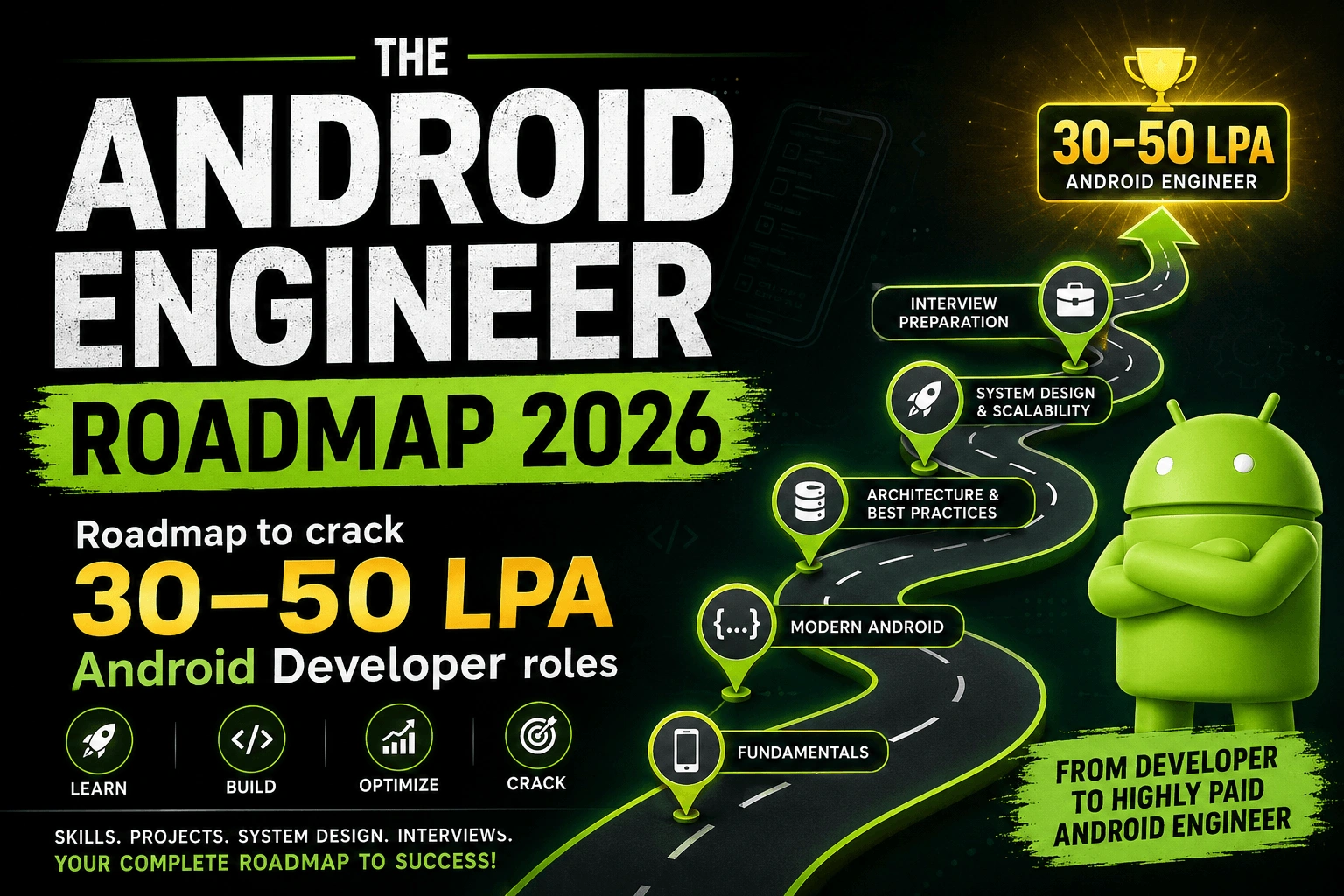
Roadmap to crack 30–50 LPA Android Developer roles
Goal: Become an Android engineer who can build, architect, debug, scale, test, and ship production-quality apps.
Phase 1: Kotlin Foundation
Before Android, become comfortable with Kotlin because modern Android is Kotlin-first.
Learn:
Variables, functions, classes, objects
Null safety
Data classes
Sealed classes
Interfaces and abstract classes
Extension functions
Scope functions: let, run, apply, also, with
Collections: List, Map, Set
Lambdas and higher-order functions
Generics
Delegation
Inline functions
Exception handling
Then move deeper into async Kotlin:
Coroutines
suspend functions
CoroutineScope
Dispatchers
Job
Structured concurrency
Cancellation
Exception handling in coroutines
Flow
Hot flow - cold flow, flow builder,
StateFlow
SharedFlow
Flow exception handling
Channels
Practice projects:
Kotlin CLI calculator
Notes manager using collections
Coroutine-based fake API loader
Design and optimise Search using debounce
Phase 2: Android Fundamentals
Now understand how Android apps actually work.
Learn:
Android project structure
Gradle basics
Build types
Product flavors
Dependency management
Android Manifest
APK vs AAB
DEX files
App signing basics
Application class
Activity lifecycle
Fragment lifecycle
Configuration changes
Process death
State restoration
Context
Intents
Intent filters
Permissions
Launch modes
Important mindset:
Do not memorize lifecycle methods blindly. Understand why Android destroys and recreates screens, how memory pressure affects apps, and why state restoration matters.
Practice projects:
Multi-screen Activity app
Intent-based sharing app
Runtime permission demo
App that survives rotation and process death
Phase 3: Android Components
Real Android apps are built using multiple platform components.
Learn:
Activities
Fragments
Services
Foreground services
Bound services
BroadcastReceivers
ContentProviders
Notifications
Notification channels
PendingIntent
Background execution limits
Battery restrictions
Practice projects:
Music foreground service demo
Alarm/reminder app
Notification action demo
Broadcast receiver for network changes
Phase 4: Modern UI with Jetpack Compose
After Android fundamentals, move to Jetpack Compose.
Learn:
Composable functions
Modifiers
Layouts: Column, Row, Box, LazyColumn
Material Design 3
State in Compose
State hoisting
Recomposition
Side effects:
LaunchedEffect
DisposableEffect
remember
rememberSaveable
derivedStateOf
Navigation Compose
Animations
Compose performance
Compose testing basics
Important topics for interviews:
What causes recomposition?
How does Compose remember state?
Difference between remember and rememberSaveable
State hoisting
Stable vs unstable objects
How to avoid unnecessary recomposition
Practice projects:
Login screen
Product listing UI
Search with debounce
Chat UI
Expense tracker UI
Phase 5: Architecture and Code Quality
This is where you start moving from beginner to professional.
Learn:
MVVM
Clean Architecture
Repository pattern
Use cases
UI state modeling
Unidirectional data flow
Dependency Injection
Hilt
SOLID principles
Separation of concerns
Package structure
Code review mindset
Recommended structure:
feature/
presentation/
domain/
data/
Learn how data flows:
UI -> ViewModel -> UseCase -> Repository -> API/Database
Practice projects:
Notes app with MVVM
Todo app with Clean Architecture
Product listing app with repository pattern
App using Hilt for dependency injection
Phase 6: Networking and Backend Communication
Every production app talks to a backend.
Learn:
REST APIs
HTTP methods
Status codes
JSON parsing
Retrofit
OkHttp
Interceptors
Authentication
Authorization
JWT
OAuth basics
Token refresh
Pagination
API error handling
Retry strategies
Timeouts
GraphQL basics
gRPC basics
WebSockets basics
Practice projects:
Weather app
News app
GitHub profile viewer
Product listing with pagination
Login app with token refresh
Important interview topics:
How would you handle expired tokens?
How would you design pagination?
How do you handle network errors?
Difference between authentication and authorization
Where should tokens be stored?
Phase 7: Storage, Caching, and Offline-First
High-quality apps work even with poor internet.
Learn:
Room database
Entities
DAO
Migrations
Relations
DataStore
SharedPreferences
Memory cache
Disk cache
LRU cache
OkHttp cache
Cache invalidation
Offline-first architecture
Data synchronization
Conflict handling
Practice projects:
Offline notes app
Offline news reader
Expense tracker with Room
Product catalog with cache
Sync queue demo
Offline-first flow:
UI reads from local database
Repository fetches from network
Network response updates database
Database updates UI automatically
This pattern is extremely valuable in real companies.
Phase 8: Background Work and Async Processing
Learn how Android performs work behind the scenes.
Learn:
Threads
Handler
Looper
MessageQueue
Coroutines
WorkManager
Foreground services
AlarmManager
Background execution limits
Know when to use what:
Use Coroutines for short async work.
Use WorkManager for guaranteed deferrable background work.
Use Foreground Service for user-visible long-running work.
Use AlarmManager for exact time-based tasks.
Practice projects:
Periodic sync with WorkManager
File upload worker
Reminder app
Background data refresh app
Phase 9: Performance Engineering
Performance separates average developers from strong engineers.
Learn:
Memory leaks
LeakCanary
ANRs
StrictMode
Android Profiler
CPU profiling
Memory profiling
Network profiling
Startup optimization
Jank and frame drops
Baseline Profiles
Battery optimization
APK/App Bundle size optimization
R8 and ProGuard
Practice:
Find and fix a memory leak
Optimize slow startup
Reduce unnecessary recomposition
Analyze network calls
Shrink APK size
Important mindset:
Performance is not about benchmark numbers. It is about making the app feel fast, stable, and reliable for users.
Phase 10: Testing
High-paying engineers know how to test.
Learn:
Unit testing
ViewModel testing
Repository testing
Coroutine testing
Flow testing
Fake repositories
Mocking
UI testing
Compose testing
Integration testing
Tools:
JUnit
MockK
Turbine
Espresso
Compose UI Test
Robolectric
Practice testing:
Test ViewModel state
Test repository error handling
Test token refresh logic
Test pagination
Test Compose screen behavior
Phase 11: Security Best Practices
Production apps must protect user data.
Learn:
Secure token storage
Android Keystore
EncryptedSharedPreferences
Encrypted files
Certificate pinning
Deep link security
WebView security
API key protection
R8/ProGuard
Basic threat modeling
Important:
Never hardcode secrets in the app. Anything inside an APK can eventually be extracted.
Phase 12: CI/CD and Deployment
Now learn how apps are shipped.
Learn:
Git
GitHub
Branching strategy
Pull requests
Code review
GitHub Actions
Jenkins basics
Build variants
Product flavors
Debug vs release builds
App signing
Keystore management
Version code
Version name
Play Console
Internal testing
Closed testing
Open testing
Production rollout
Crash monitoring
Analytics
Deployment flow:
Code -> Pull Request -> CI Tests -> Build Release -> Sign App -> Upload AAB -> Internal Testing -> Production Rollout
Practice:
Set up GitHub Actions
Generate release build
Create signed AAB
Upload to Play Console internal testing
Phase 13: Firebase, Analytics, and Production Tools
Learn the tools used in real apps.
Learn:
Firebase Crashlytics
Firebase Analytics
Firebase Remote Config
Firebase Cloud Messaging
Push notifications
Feature flags
A/B testing basics
Observability
Logging strategy
Practice projects:
Push notification demo
Feature flag demo
Crashlytics integration
Analytics event tracking
Phase 14: Modularization and Large App Engineering
For senior roles, learn how large apps are structured.
Learn:
Multi-module architecture
Feature modules
Core modules
Dynamic feature modules
Gradle optimization
Build speed improvement
Dependency boundaries
Navigation across modules
Shared design system
Scalable package structure
Example:
app/
core/
network/
database/
common/
designsystem/
feature/
login/
home/
cart/
profile/
This is important for product companies and senior Android interviews.
Phase 15: Mobile System Design
This is critical for high-paying Android roles.
Practice designing:
Chat app
Food delivery app
E-commerce app
Social media feed
Offline-first notes app
Ride booking app
Notification system
Video streaming app
Banking app
Large-scale navigation system
For each design, explain:
Screens
Data model
API design
Local storage
Caching
Offline behavior
Background work
Security
Performance
Trade-offs
Interviewers care less about perfect answers and more about your reasoning.
Phase 16: Machine Coding Preparation
Practice building small apps quickly and cleanly.
Build:
Product listing app
Search with debounce
Pagination screen
Offline notes app
Chat UI
Cart flow
Login with token refresh
Feed screen
Expense tracker
Weather/news app
For each project, include:
Jetpack Compose
MVVM
Hilt
Retrofit
Room/DataStore where needed
Error states
Loading states
Empty states
Tests
Phase 17: Portfolio Projects
Build 2 to 3 strong production-style apps.
Each project should include:
Clean Architecture
Jetpack Compose
API integration
Room database
DataStore
Caching
Offline support
Authentication
Pagination
Background work
Testing
CI/CD
Good README
Screenshots
Demo video
Good project ideas:
Offline-first expense tracker
E-commerce app with cart and payment mock
Chat app with WebSocket simulation
News app with caching and pagination
Habit tracker with reminders and analytics
Your GitHub should show that you can build real apps, not just screens.
Phase 18: Resume and Interview Preparation
Prepare for:
Android fundamentals
Kotlin
Coroutines and Flow
Compose
Architecture
Networking
Storage
Performance
System design
Machine coding
Behavioral interviews
Resume focus:
Impact
Performance improvements
Architecture ownership
Features shipped
Bugs fixed
Scale handled
Testing and CI/CD
Example resume bullet:
Built an offline-first product listing module using Jetpack Compose, Room, Retrofit, and WorkManager, reducing failed user sessions during poor network conditions.
Avoid vague bullets like:
Worked on Android app development.
Phase 19: Senior Engineering Skills
To become high-paying, do not stop at coding.
Develop:
Technical ownership
Debugging production issues
Mentoring juniors
Code review skills
Writing technical documents
Working with backend teams
Working with product and design
Estimating work
Explaining trade-offs
Leading features end-to-end
Senior engineers are paid for judgment, not just syntax.
Want a Structured Path?
This roadmap shows you what to learn.
If you'd rather not figure out how to learn it, in what order, or how to apply it in real projects, that's exactly why I built the Android Job Ready Bootcamp.
The bootcamp follows this roadmap through 12 weeks of live mentorship, where you'll build production-grade Android applications, master modern Android development, practice machine coding, learn mobile system design, participate in mock interviews, and receive continuous code reviews and career guidance.
Instead of learning isolated topics, you'll learn how experienced Android engineers approach real-world problems.
If your goal is to transition into a product-based company or target ₹30–50 LPA Android roles, I'd be happy to help you on that journey.
Learn more about the Android Job Ready Bootcamp at:
https://thecodingshef.in/course/master-android
Comments (0)
No comments yet. Be the first to share your thoughts!
Leave a Comment
Get the latest updates
Join our newsletter and never miss an article.