How ViewModel Survives Configuration Changes in Android
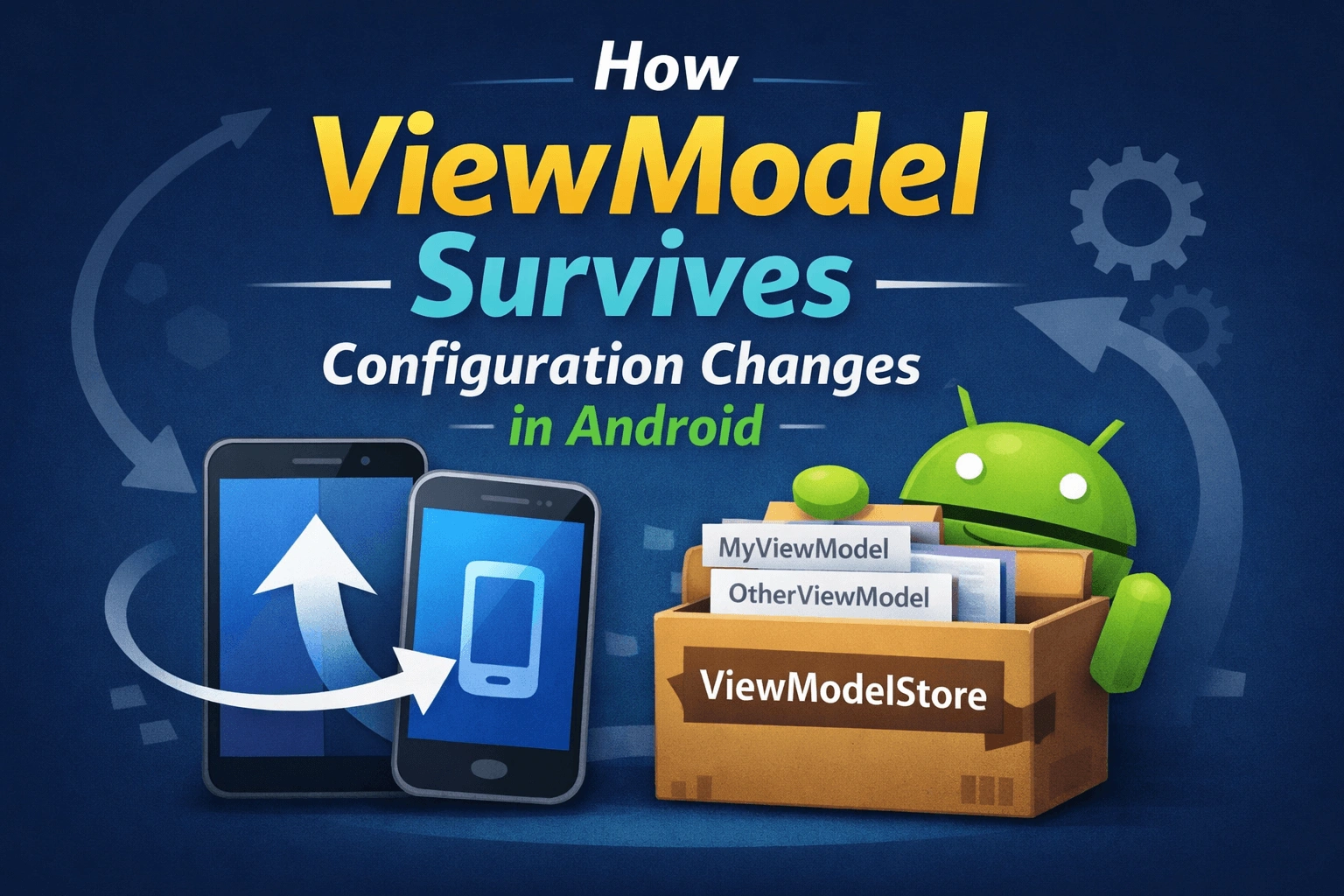
How ViewModel Survives Configuration Changes in Android
If you've ever rotated your phone and noticed your app didn't lose its data, you have ViewModel to thank. But have you ever wondered how it actually works under the hood? Let's break it down in plain, simple words.
What is the Problem?
When you rotate your phone, Android destroys your Activity and creates a brand new one. This is called a configuration change. Normally, everything stored inside that Activity — your data, your loaded results, your UI state — gets wiped out completely.
Before ViewModel existed, developers had to manually save and restore data using onSaveInstanceState(). It was tedious, limited to small amounts of data, and only supported certain data types.
ViewModel was introduced to solve this problem elegantly. But the real question is: how does it hold onto data when the Activity itself is destroyed?
The Key Idea: ViewModel Lives Outside the Activity
The most important thing to understand is this — ViewModel is not stored inside the Activity. It is stored in a separate container called the ViewModelStore. The Activity just holds a reference to it.
When Android destroys the Activity during rotation, it destroys the Activity object — but it keeps the ViewModelStore alive in memory and hands it over to the new Activity instance. The ViewModel inside it never gets touched.
The Three Main Players
1. ViewModelStore
Think of ViewModelStore as a simple bag that holds your ViewModels. Internally, it is just a HashMap — a key-value map where the key is the ViewModel's class name and the value is the ViewModel object itself.
ViewModelStore
└── HashMap
├── "MyViewModel" → MyViewModel instance
└── "OtherViewModel" → OtherViewModel instance
When an Activity is truly finishing (user pressed back, or the app is closing), ViewModelStore.clear() is called, which calls onCleared() on every ViewModel inside it, cleaning up resources properly.
2. ComponentActivity
This is the parent class of AppCompatActivity, the Activity class most Android developers use. It is responsible for two things:
First, it owns the ViewModelStore — it creates a new one when the Activity is first launched.
Second, it saves the ViewModelStore before the Activity is destroyed during a configuration change, using a mechanism called onRetainNonConfigurationInstance().
3. ViewModelProvider
This is the class you interact with when you write:
val viewModel = ViewModelProvider(this).get(MyViewModel::class.java)
It acts as the middleman. It looks inside the ViewModelStore first. If it finds a ViewModel with the matching key, it returns that existing instance. If it doesn't find one, it creates a new ViewModel, stores it in the ViewModelStore, and returns it.
The Secret Mechanism: NonConfigurationInstances
Here is the real magic. Android has a hidden internal mechanism that allows an Activity to pass certain objects to its replacement during a configuration change. This mechanism is called NonConfigurationInstances.
Before the old Activity is destroyed, Android calls a method on it:
onRetainNonConfigurationInstance()ComponentActivity overrides this method and uses it to save the ViewModelStore inside a NonConfigurationInstances object. Think of it like stuffing the ViewModelStore into a small box just before the Activity is torn down.
Android then holds onto that box internally — not on disk, just in memory — and attaches it to the brand new Activity instance when it is created.
When the new Activity starts up and you call ViewModelProvider(this), it calls getViewModelStore() on the Activity. That method checks if there is a retained NonConfigurationInstances object available. If there is, it pulls the old ViewModelStore right out of it. If there isn't one, it creates a fresh ViewModelStore.
So the ViewModel was never re-created. The exact same instance from before the rotation is handed back to you.
Step-by-Step Walkthrough
Here is the full journey during a screen rotation, told step by step:
Step 1 — App launches. Your Activity is created. ViewModelProvider(this) is called. No retained store exists yet, so a new ViewModelStore is created. A new ViewModel is created and placed inside it.
Step 2 — Phone is rotated. Android begins destroying the Activity.
Step 3 — Before destruction. Android calls onRetainNonConfigurationInstance() on the Activity. ComponentActivity puts the ViewModelStore into a NonConfigurationInstances object and returns it. Android holds this object in memory.
Step 4 — Old Activity is destroyed. The Activity object is gone. But the NonConfigurationInstances object — and the ViewModelStore inside it — is still alive in memory.
Step 5 — New Activity is created. Android creates a fresh instance of your Activity and attaches the saved NonConfigurationInstances object to it.
Step 6 — ViewModel is requested again. You call ViewModelProvider(this) in onCreate(). The Activity's getViewModelStore() finds the retained NonConfigurationInstances, pulls out the old ViewModelStore, and returns it. ViewModelProvider finds your ViewModel already sitting inside. It returns the same instance.
Result: Your ViewModel and all the data inside it are completely intact, as if nothing happened.
What About Other Scenarios?
It's important to know that this mechanism only works for configuration changes — rotation, language change, font size change, and similar events.
If the user presses the Back button, the Activity finishes normally. NonConfigurationInstances is not used. The ViewModelStore is cleared, onCleared() is called on every ViewModel, and everything is gone. This is the correct and expected behavior.
If the OS kills the process (because the app went to the background and Android needed memory), the entire process is wiped from memory. NonConfigurationInstances is gone. The ViewModelStore is gone. The ViewModel is gone. For surviving this scenario, you need either SavedStateHandle inside your ViewModel, or a local database, or DataStore.
A Simple Mental Model
Imagine the Activity as a person carrying a bag. The bag contains your ViewModel.
When the phone is rotated, Android says: "I'm going to replace this person. Before I do, hand me the bag." The old person hands over the bag and is let go. A new person is brought in, and Android immediately gives them the same bag. The new person opens it and finds everything exactly as it was.
The bag is the ViewModelStore. The act of handing it over is onRetainNonConfigurationInstance().
The One-Line Interview Answer
ViewModel survives configuration changes because ComponentActivity saves its ViewModelStore inside the Android framework's NonConfigurationInstances mechanism just before destruction. When the new Activity is created, it retrieves the same ViewModelStore, and ViewModelProvider returns the same ViewModel instance from it.
Quick Reference Summary
Concept | What It Does |
|---|---|
ViewModelStore | Holds ViewModel instances in a key-value map |
ComponentActivity | Owns the store and saves it across config changes |
ViewModelProvider | Fetches existing or creates new ViewModels |
NonConfigurationInstances | The internal Android box that carries the store across Activity recreation |
onRetainNonConfigurationInstance() | Called before destruction to save the store |
getLastNonConfigurationInstance() | Called after recreation to retrieve the store |
Understanding this mechanism not only makes you a better Android developer, it also helps you make smarter decisions about what belongs in a ViewModel, what needs SavedStateHandle, and what requires persistent storage.
Comments (0)
No comments yet. Be the first to share your thoughts!
Leave a Comment
Get the latest updates
Join our newsletter and never miss an article.